Design in 3D, with the real price as you go.
PRIM Studio runs in the browser. You build the room with the same modules the factory produces, the rules are checked while you design, and the total updates with every change. What you show the client is what the factory can build.
The details that save the week.
- 01
Nothing to install
Open a project from any computer. Your work saves itself every few seconds and keeps a history of versions.
- 02
The factory catalog, not a generic library
Cabinets, panels, doors, handles and finishes come from the line the factory actually produces.
- 03
Rules checked while you design
Sizes outside the allowed range are flagged on the spot, with the closest valid option one click away.
- 04
Live price
Each change updates the total right away, so the conversation about budget happens in the meeting, not a week later.
- 05
Finishes that look like the real thing
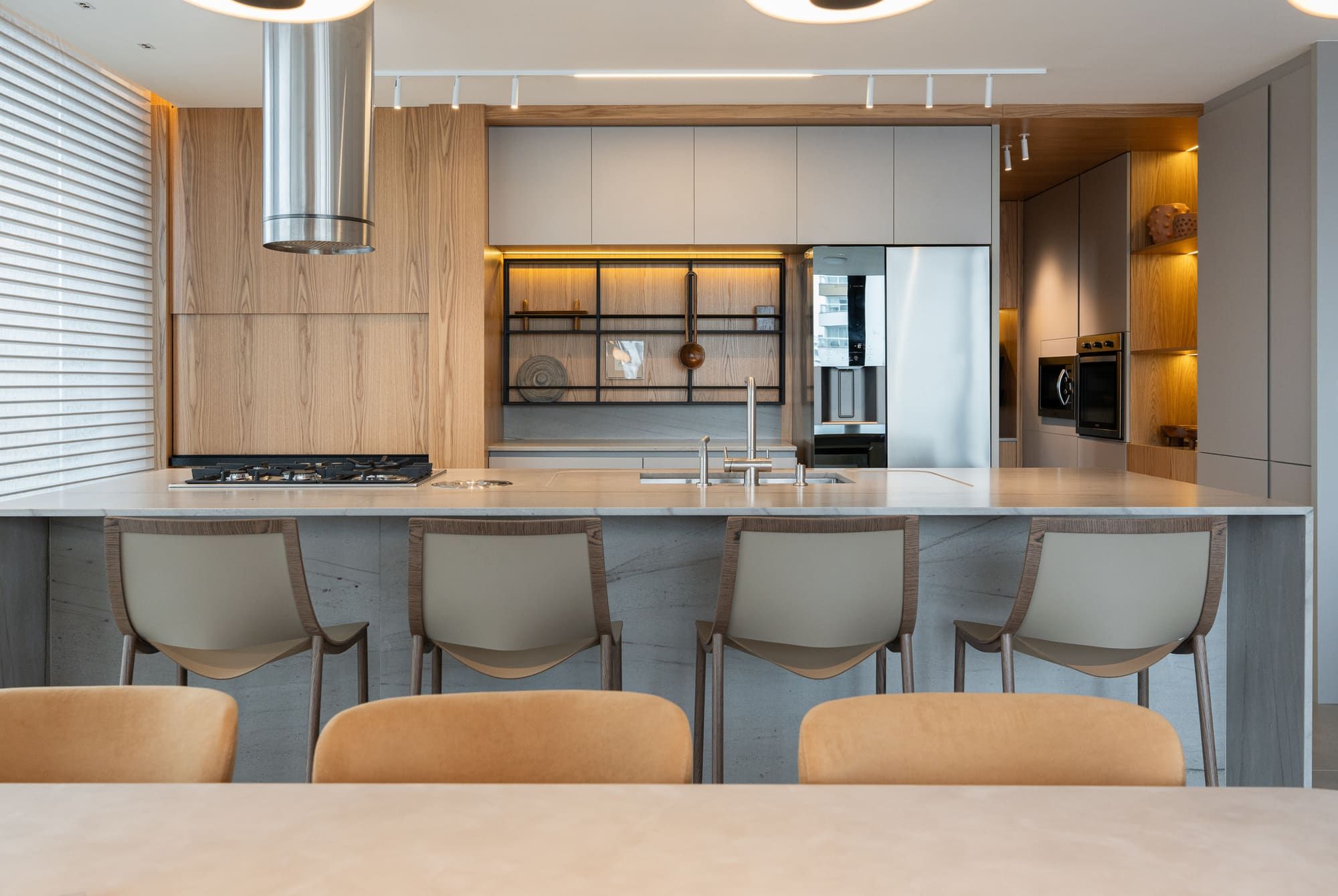
Factory textures on every surface, so the client approves the wood and color they will receive.
- 06
From design to order without retyping
The approved design becomes the proposal and then the factory order. No spreadsheets in between.
Questions we hear
Do I need a powerful computer?
A recent laptop with an up-to-date browser is enough.
Can I keep my current design software?
Yes, during the transition. Most teams move once they see the price and the order come straight out of the design.
It all connects.
See your next project in PRIM.
A 30-minute demo with your own kind of project: a lead coming in, a room designed and priced, the order on its way to the factory.